Death ScreenFiveM death screen script · ESX & QBCore

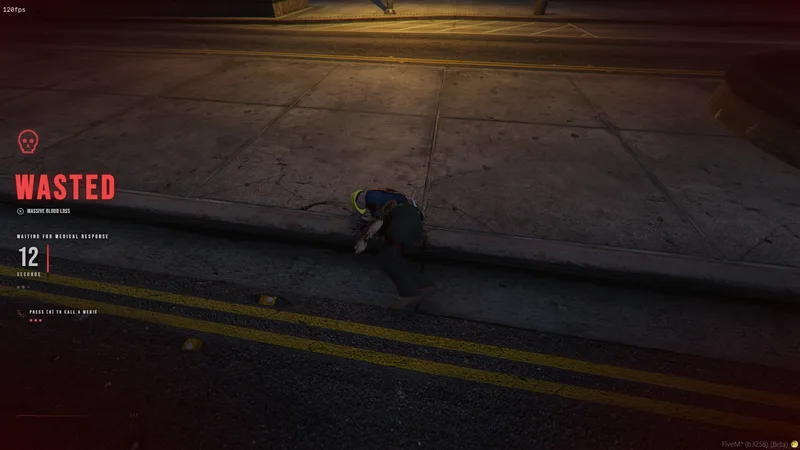
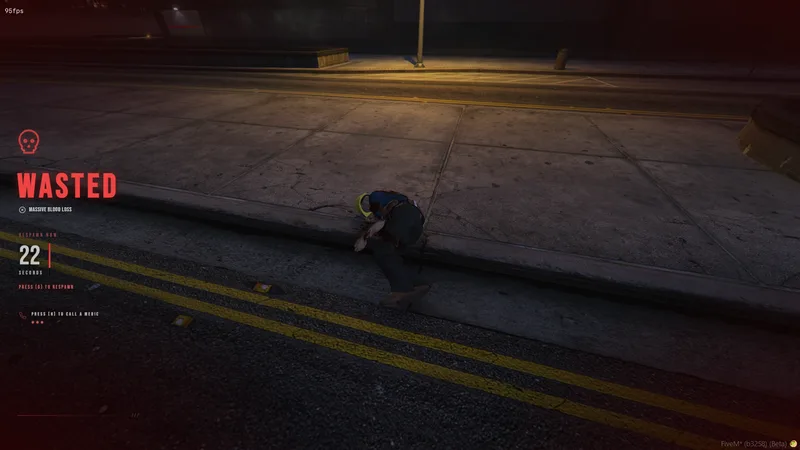
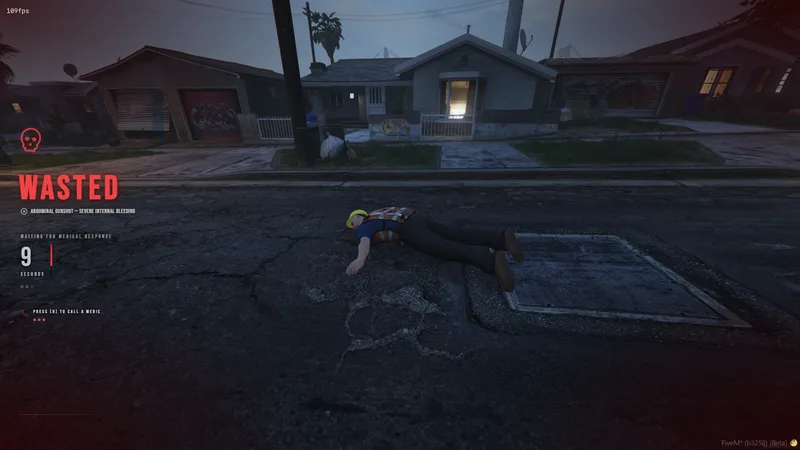
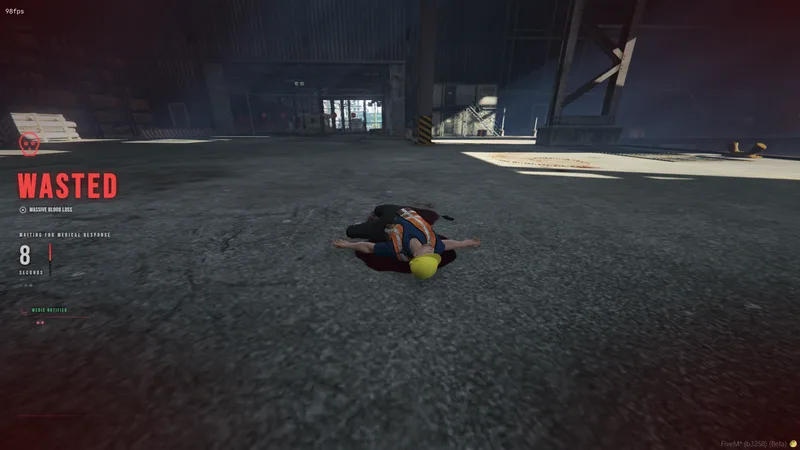
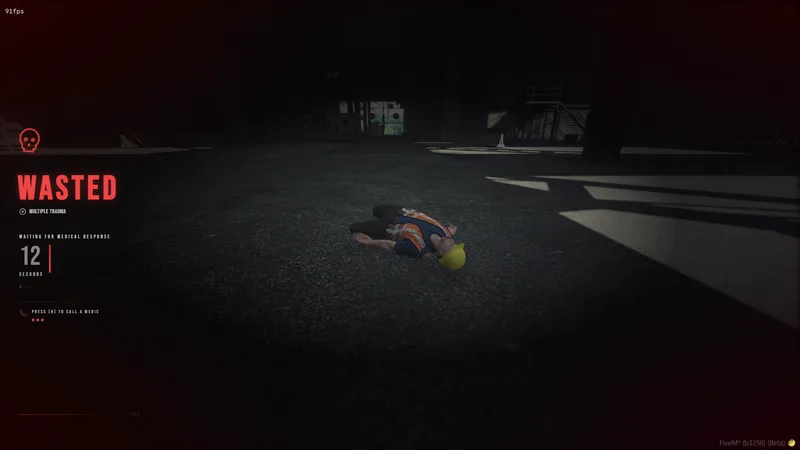
Nexus Death Screen is a FiveM death screen script. Make every knockout and every death a moment players remember. Nexus Death Screen replaces the default death experience with a cinematic unconscious screen and a live heart monitor, then a WASTED screen that tells players exactly what took them down. Players can call medics, watch an orbiting death camera and respawn on their own terms. Works with ESX and QBCore, and comes in 7 languages.

Works with

Instant delivery to your Cfx.re account · Cfx.re asset escrow · Free updates

For the dopamine addicts

Quick summary · 10 features

Features

A Last Moment That Feels Real

A Last Moment That Feels Real

When a player goes down, a countdown takes over the screen with an animated heart, a BPM readout and an ECG line. As time runs out the heartbeat and the monitor react, so the seconds before the end feel tense instead of empty.
WASTED, in Two Phases

WASTED, in Two Phases

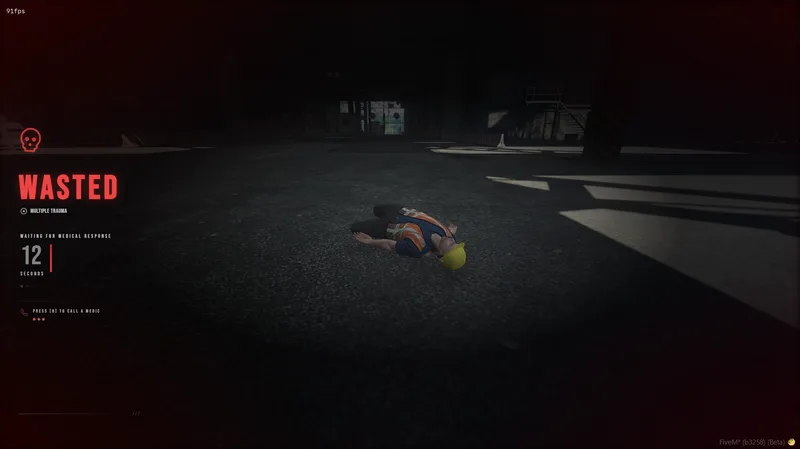
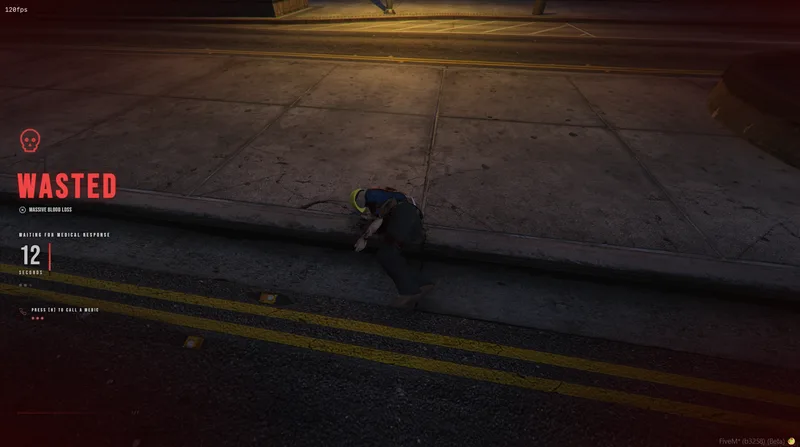
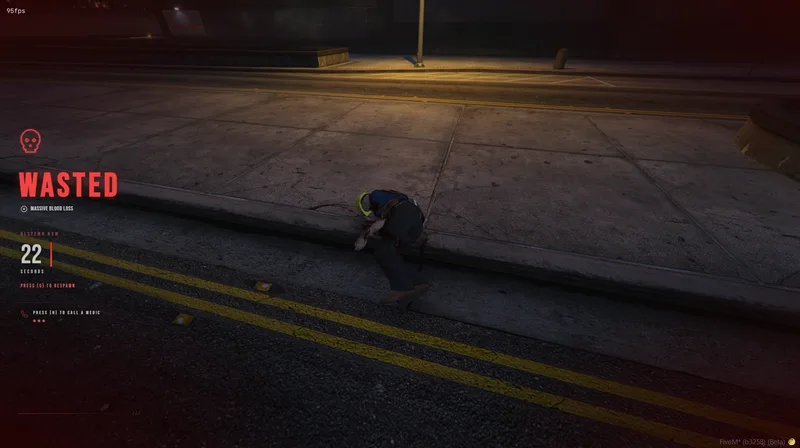
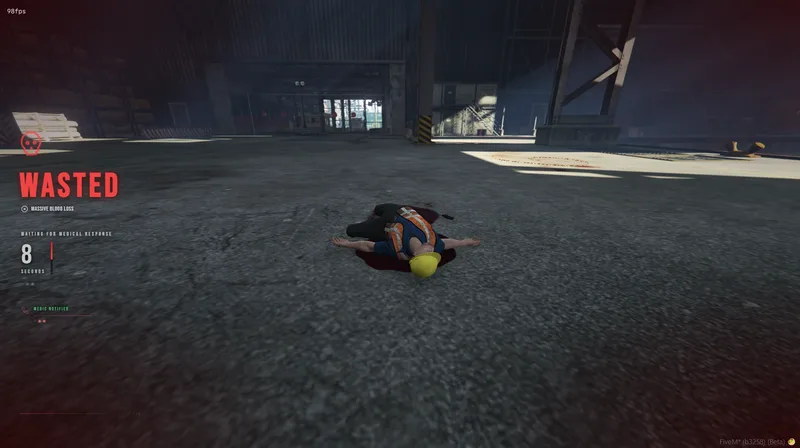
After the unconscious countdown the WASTED screen appears. First comes a waiting period, so medics have a real chance to arrive. Then the player either respawns manually with a key press or is respawned automatically after the time you set, with a clear on-screen timer the whole way.

Told How You Went Down

Told How You Went Down

The screen shows a believable cause of death, picked from the weapon used and the part of the body that was hit. Add your own weapons to the list, create new categories and rewrite every phrase so it matches your server's tone.

Call for Help

Call for Help

Players can call for medics while unconscious and again once they are dead. Each screen has its own call limit, a cooldown bar and indicators showing how many calls are left, so nobody can spam the ambulance service. The call is sent through your ambulance script.

Watch It Happen

Watch It Happen

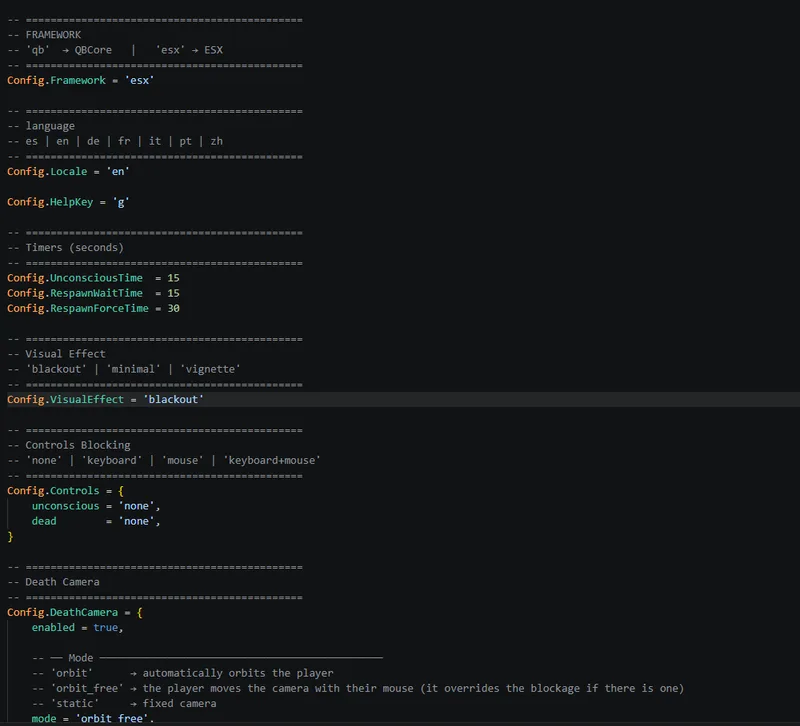
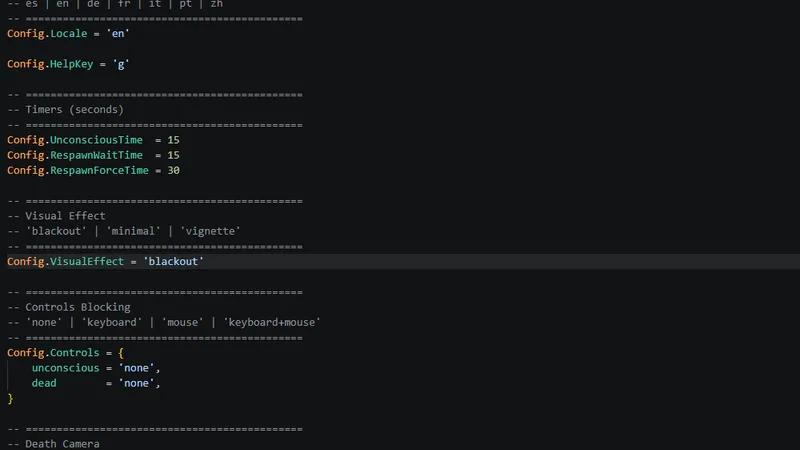
Choose the death camera that suits your server: an automatic orbit around the body, an orbit the player controls with the mouse and zoom, or a fixed camera. Pair it with one of three visual effects (blackout, minimal or vignette) and optionally block keyboard, mouse or both while the screen is up.

Your Keys, Your Timers

Your Keys, Your Timers

Set the respawn key and the medic call keys, the length of the unconscious phase, the waiting time and the forced respawn time, all from one config file. Match the timers to your ambulance job and the two stay in sync.

Plugs Into Your Ambulance Script

Nexus Death Screen is the screen layer, not a replacement for your medical system. Your ambulance script keeps handling revives and health and simply tells the screen when to show or hide through three events. Hooks in the open functions file let you connect dispatch or any other script to respawns, deaths and revives.

Make Every Word Yours

English, Spanish, German, French, Italian, Portuguese and Chinese are included. All texts, including every cause-of-death phrase, live in plain files that are not encrypted. Copy one to add a new language, and restyle the interface to match your brand.

Installation

  1. Buy it here and log in with your Cfx.re account at checkout.

  2. Download it from the Cfx.re portal (Granted Assets) and put the nexus_deathscreen folder in your resources.

  3. Put the nexus_deathscreen folder in your resources. Keep the folder name exactly as it is.

  4. Add ensure nexus_deathscreen to your server.cfg, after your framework and ambulance resources.

  5. Choose your framework and language in shared/config.lua.

  6. Make your ambulance script trigger the three events shown in the documentation, and match the timers to your ambulance job.

Full configuration in the documentation.

Requirements

FrameworkESX or QBCore
ProtectionCfx.re asset escrow
SupportDirect from the developer
  • ESX with esx_ambulancejob, or QBCore with qb-core and qb-ambulancejob
  • No database required

FAQ

Which frameworks are supported?

ESX and QBCore. You pick one in the config.

Does it replace my ambulance script?

No. It is the screen layer only. Your ambulance script keeps handling revives and health and tells the screen when to appear through simple events, with a ready-to-copy example in the documentation.

Can players call medics?

Yes, on both the unconscious and the death screens, with a call limit and a cooldown you can change.

Can I change the keys and the timers?

Yes. The respawn key, each medic call key and every timer are set in the config.

Can I add weapons or change the cause-of-death phrases?

Yes. Weapons and body zones are mapped in the config, and every phrase is in the locale files so you can rewrite it freely.

Can I add my own language?

Yes. Copy one of the locale files, rename it and translate the texts.

Does it need a database?

No.

Is the script protected?

Yes, it uses the official FiveM escrow. The config, functions, texts and interface stay open so you can customise them.

More scripts

All FiveM scriptsFiveM ESX scriptsFiveM QBCore scripts