
Prompts That Live in the World
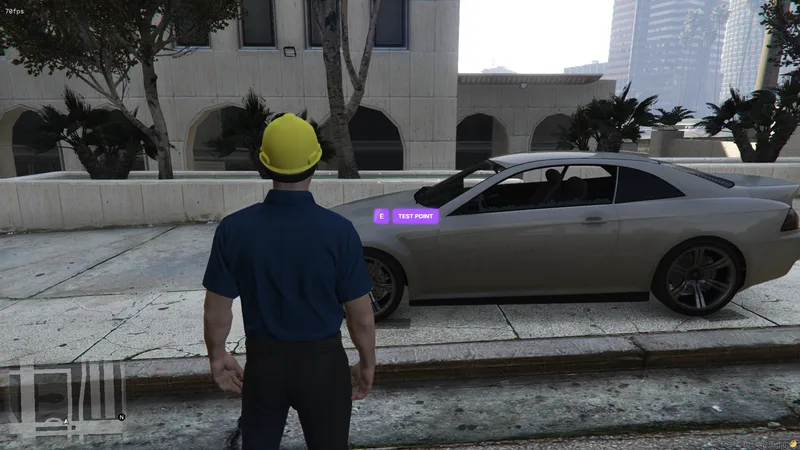
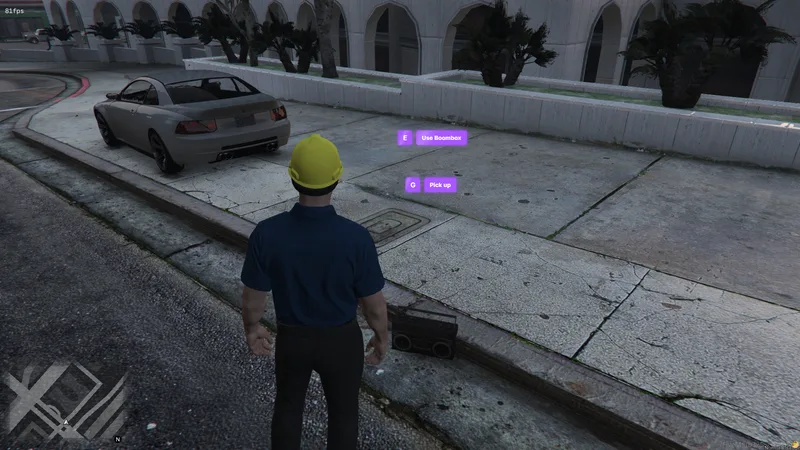
Each prompt is attached to a position in the world. It follows the point on screen and scales with distance, so it feels like part of the scene instead of a flat message in a corner.
Nexus Text UI is a FiveM text UI script for any framework. Interaction prompts that look like they belong in the world. Nexus TextUI is a lightweight 3D text UI for FiveM: prompts stay anchored to a point in the world, start as a small marker from far away and grow into a clean key and text box as players get close. Standalone, easy to plug into any script and kind to your resource monitor.
Instant delivery to your Cfx.re account · Cfx.re asset escrow · Free updates

Quick summary · 8 features
Each prompt is attached to a position in the world. It follows the point on screen and scales with distance, so it feels like part of the scene instead of a flat message in a corner.
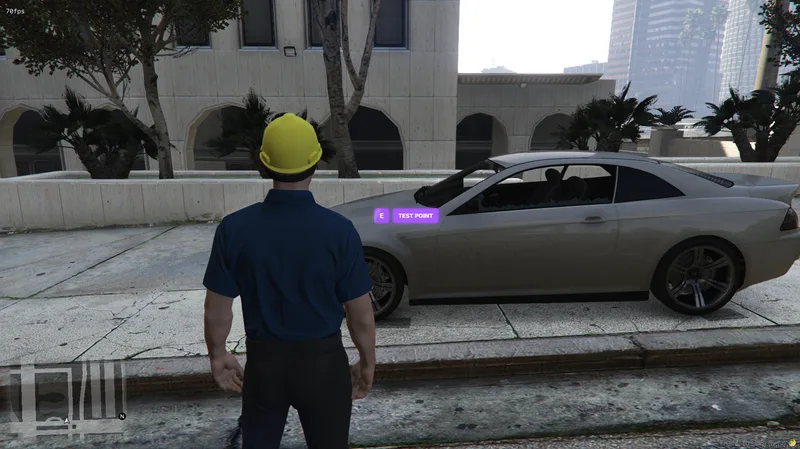
From far away, players only see a small, discreet marker. As they approach, it expands into the full prompt, so your streets and interiors stay clean until someone actually needs to interact.
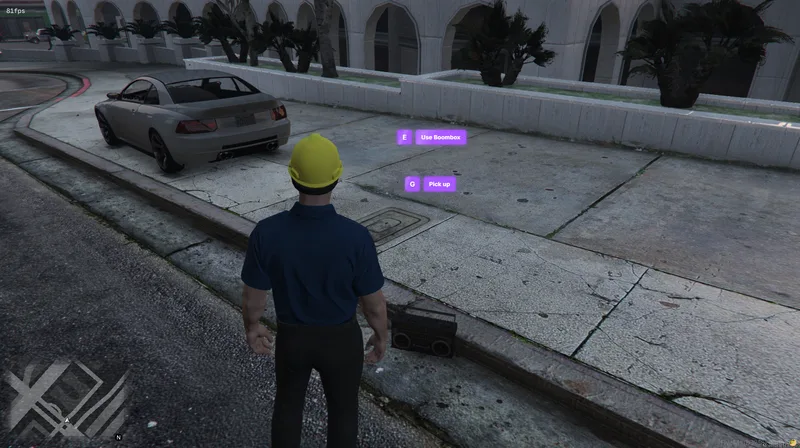
A separate key box and text box give a clear, modern look. Write `[E] Open door` as the text and it is split for you: the key goes in the key box and the rest in the text box.
Create a prompt and remove it with two exports. Give it a position, a text, a key, how far it shows and how close you need to be, then add an `onInteract` callback for when the key is pressed. An optional `canInteract` check hides the prompt on demand, for example when a player doesn't have the right job.
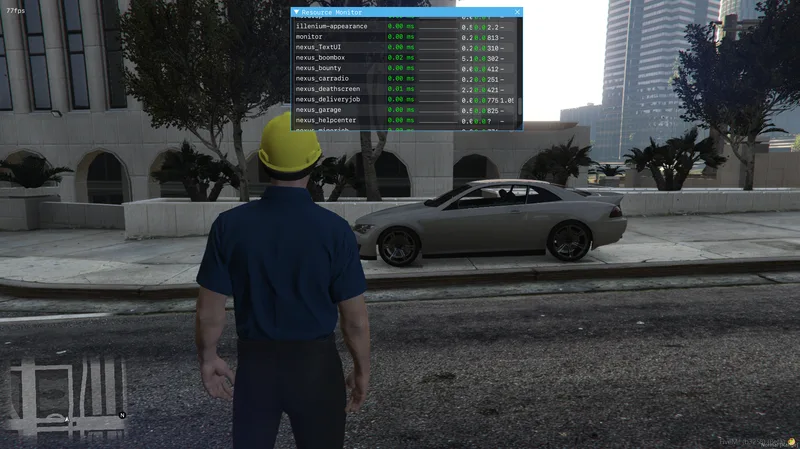
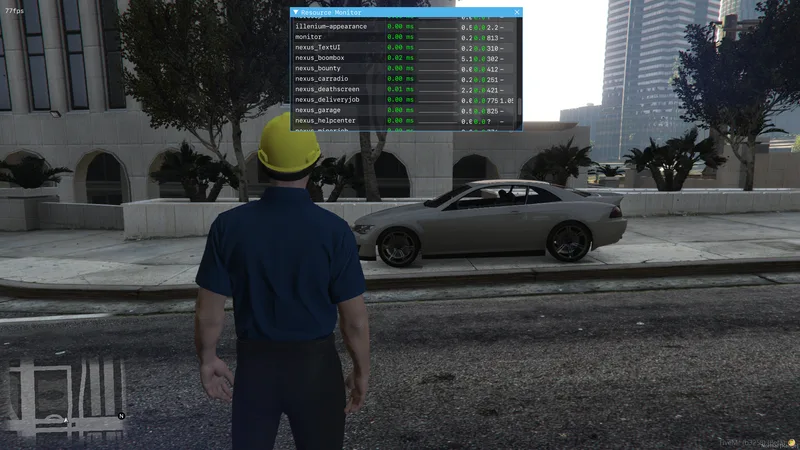
Updates are only sent to the interface when something changes, and the render loop goes idle when nothing is on screen, so it stays light on your resource monitor even with many prompts around.
No framework and no database required. It works with ESX, QBCore, QBox or none at all, and with any script that can call an export.
The config and the interface files are not encrypted, so you can restyle the look to match your server. Optional test commands let you place a prompt in seconds while you are tweaking it.
Buy it here and log in with your Cfx.re account at checkout.
Download it from the Cfx.re portal (Granted Assets) and put the nexus_TextUI folder in your resources.
Put the nexus_TextUI folder in your resources. Keep the folder name exactly as it is.
Add ensure nexus_TextUI to your server.cfg, before any resource that uses it.
Create prompts from your own scripts with the Create export. The documentation includes a ready-to-copy example.
Full configuration in the documentation.
No. It is fully standalone and works with any framework or none.
No. There is no database or SQL setup.
Through two exports, Create and Delete. The documentation includes a ready-to-copy example.
Yes. Add a `canInteract` check and the prompt only shows when it returns true.
Yes. The config and the HTML, CSS and JS files are not encrypted, so you can edit them freely.
Yes, /testui and /deltestui. They are off by default and can be enabled in the config.
Yes, it uses the official FiveM escrow. The config and the whole interface stay open for you to edit.